Local first
Diagnostics run on the device. Optional analysis data is shown locally first and only sent after a clear choice.
 WinTune
Windows maintenance, with receipts
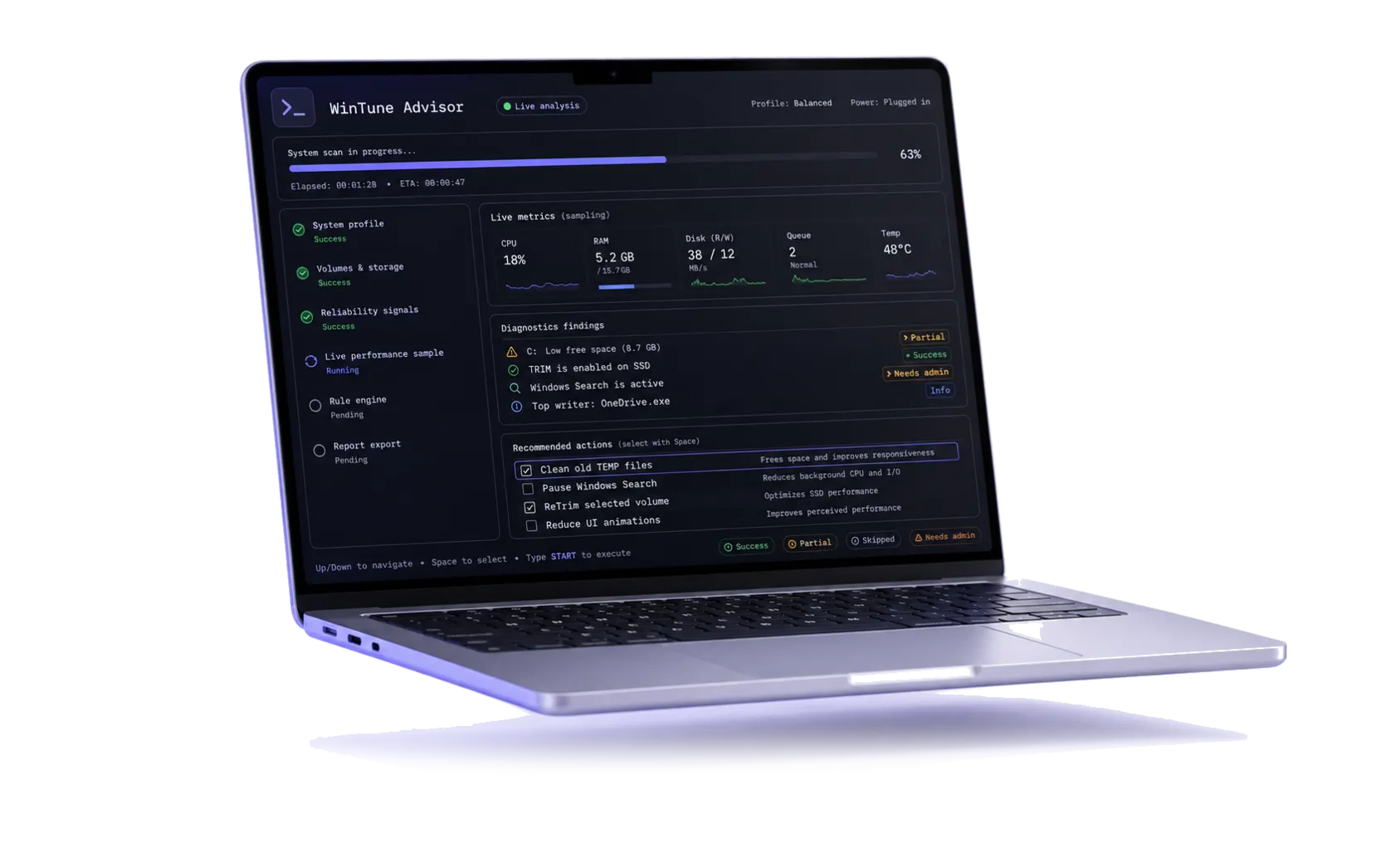
WinTune inspects a Windows PC locally, explains every recommendation, and asks before taking action. Updates are signed and verified before they are installed.
 Signed update path
Built for careful maintenance
Diagnostics run on the device. Optional analysis data is shown locally first and only sent after a clear choice.
Every action shows why it is suggested, what it changes, and whether elevation is required.
The launcher validates HTTPS, a signed manifest, package hash, and every release file before switching versions.
Latest signed build
Extract the starter ZIP, then double-click Start-WinTune.cmd. The launcher keeps future updates verified and clearly confirmed.
Documentation
Read the installation notes, security model, API surface, release process, and privacy boundaries.